
London Sweep
Track the Asia range and London sweeps.

Market structure, liquidity and volume. Indicators that put your analysis on the chart, so you can focus on your next decision.
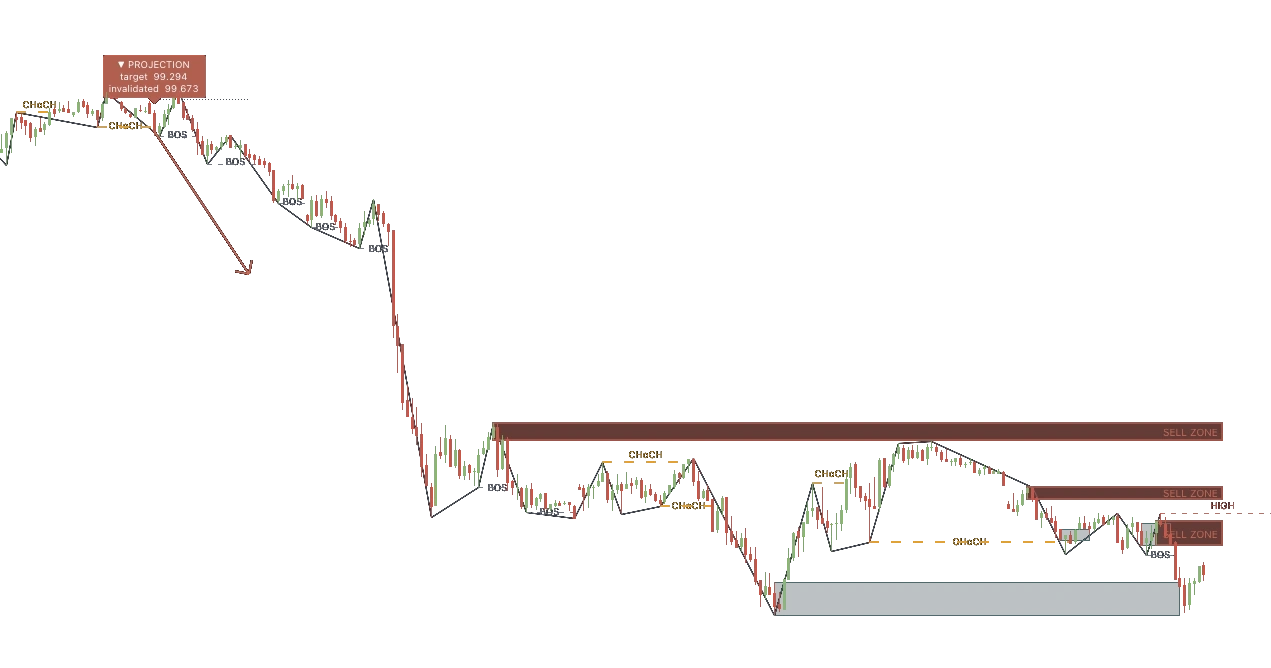
Explore the logic behind each indicator before choosing a plan. Session levels, market context and volume-profile setups, in your TradingView account.
Track the Asia range and London sweeps.

Read trend, momentum, volatility and volume together.

Study volume-profile levels and price interactions.
Access is granted to your TradingView username. TradingView subscriptions are separate.
Read what each script does and choose a plan on the Suite page.
Create your EV Trading Labs account and provide your TradingView username for access.
Once access is granted, find the scripts in TradingView under Indicators → Invite-only.
Three places to start. Open a script, read its description and try it on your own chart.


Our Expert Advisors are a separate path for MT5 traders. Explore the strategy, configuration and risk controls before choosing an EA.
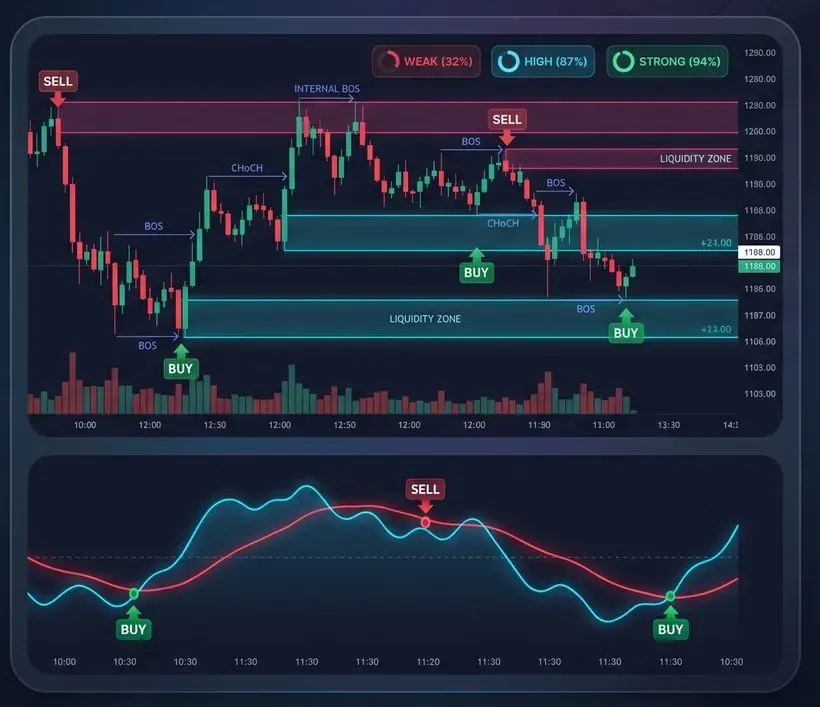
Explore the datasets behind your own research.
Record your trades and review your decisions.
Study the concepts behind structure and liquidity.
The free scripts are public tools you can explore on TradingView. The Suite is a separate collection of invite-only indicators. Its product page lists the included scripts and available plans.
Choose a plan and provide your TradingView username through your EV Trading Labs account. After access is granted, the scripts appear under Indicators → Invite-only in TradingView.
The TradingView tools support chart analysis. They do not place orders in your MT5 account. Our MetaTrader 5 Expert Advisors are separate products for automated execution.
No. TradingView and its subscription plans are separate. Check the platform limits that apply to your account before choosing your setup.
No. Indicators and automated strategies can produce losing trades. Historical measurements do not guarantee future results. Evaluate the tool and your risk before using it.
Explore the Suite, or start with a free script and see how it fits your process.